Clockify is a fine free timer until hours have to become pay. Its Free plan stops at five users and leaves out billable rates and timesheet approval, so a growing team either upgrades Clockify, switches to Toggl Track, My Hours or TimeCamp, or moves to a tool that also builds the pay run. RemiPay's RemiStaff timer is that last option: approved hours flow straight into a recurring contractor pay run.
Every price below comes from the provider's own pricing or help page, checked November 16, 2026. Each tool charges a subscription. None of them, RemiPay included, is where the contractor's money moves: that happens in Wise, Payoneer or your bank, at their transfer fees.
Four signs the free plan has run out
Free trackers fail at the same points for teams that pay contractors. Count how many of these you hit.
- You have a sixth person. Clockify Free covers up to 5 users. Unlimited users starts on Basic.
- Rates live in a spreadsheet. Rates are a paid Clockify feature, so on Free the hours-times-rate math happens outside the tool, every month, by hand.
- Nobody signs off. Timesheet approval is a paid feature too (it starts on Standard). Without it, there is no record of who agreed that 160 hours was right before money went out.
- The month does not fit the report. Free reports cover at most a one-month date range, which is awkward for a pay period that crosses months or a quarter-end review.
If you hit only the first two, a paid Clockify plan or a cheaper tracker solves it. If you hit three or four, the gap is not the timer. It is the step between "hours tracked" and "contractor paid."
The alternatives at a glance
| Tool | Best for | Free plan | Approvals | Screenshots |
|---|---|---|---|---|
| Clockify (upgrade) | Staying put with minimal change | Up to 5 users | Standard and up | Pro and up |
| Toggl Track | Simple tracking people like using | Up to 3 users | Premium | None, by Toggl's own statement |
| My Hours | Low per-seat price with rates and budgets | Up to 5 active users | Approval workflow with audit log on Pro | None listed |
| TimeCamp | Large free team, automatic app tracking | Unlimited users | Ultimate | Ultimate |
| Jibble | Clock-in, attendance and payroll hours | Free plan with payroll-hours export | Not listed for timesheets | Free plan, intervals on Ultimate |
| RemiPay with RemiStaff | Turning approved hours into the pay run | No free plan; RemiStaff is included in every plan | Tracked time auto-approves; hand-logged hours wait for you, or require weekly sign-off | None |
What it costs for 8 contractors
The table prices the plan on each tool that includes approvals, for 9 seats (8 contractors plus the owner, since per-seat tools bill each active or invited user). Jibble's help center describes its plans but not its prices, so it is left out of the math.
| Option and plan | Subscription, billed monthly | Subscription, billed annually | Transfer fees |
|---|---|---|---|
| Clockify Standard ($6.99 / $5.49 a seat) | $62.91 a month | $49.41 a month | Not included; whoever sends the payment charges them |
| Toggl Track Premium ($24 / $16 a seat) | $216 a month | $144 a month | Not included |
| My Hours Pro ($9 / $8 a seat) | $81 a month | $72 a month | Not included |
| TimeCamp Ultimate ($13.99 / $9.99 a seat) | $125.91 a month | $89.91 a month | Not included |
| RemiPay Starter (up to 10 contractors, RemiStaff included) | $49 a month flat | $49 a month (no annual plan) | Wise's quoted fee, paid to Wise, or your other provider's |
Wise, the provider most of these teams use for international contractors, prices transfers by currency (its U.S. business pricing page starts at 0.23%) and says it does not mark up the mid-market exchange rate. That cost is the same whichever tracker you choose.
The step every tracker leaves to you
Clockify, Toggl Track, My Hours and TimeCamp all stop at a report of hours. Even with rates and approvals on a paid plan, someone still has to:
- Export the approved hours for the pay period.
- Multiply by each contractor's rate, and add retainers and fixed project payments that no timer records.
- Catch hours that changed after approval, and hours from a contractor who left mid-month.
- Pay each contractor in Wise or another provider, then record what went out, and what failed, for the bookkeeper.
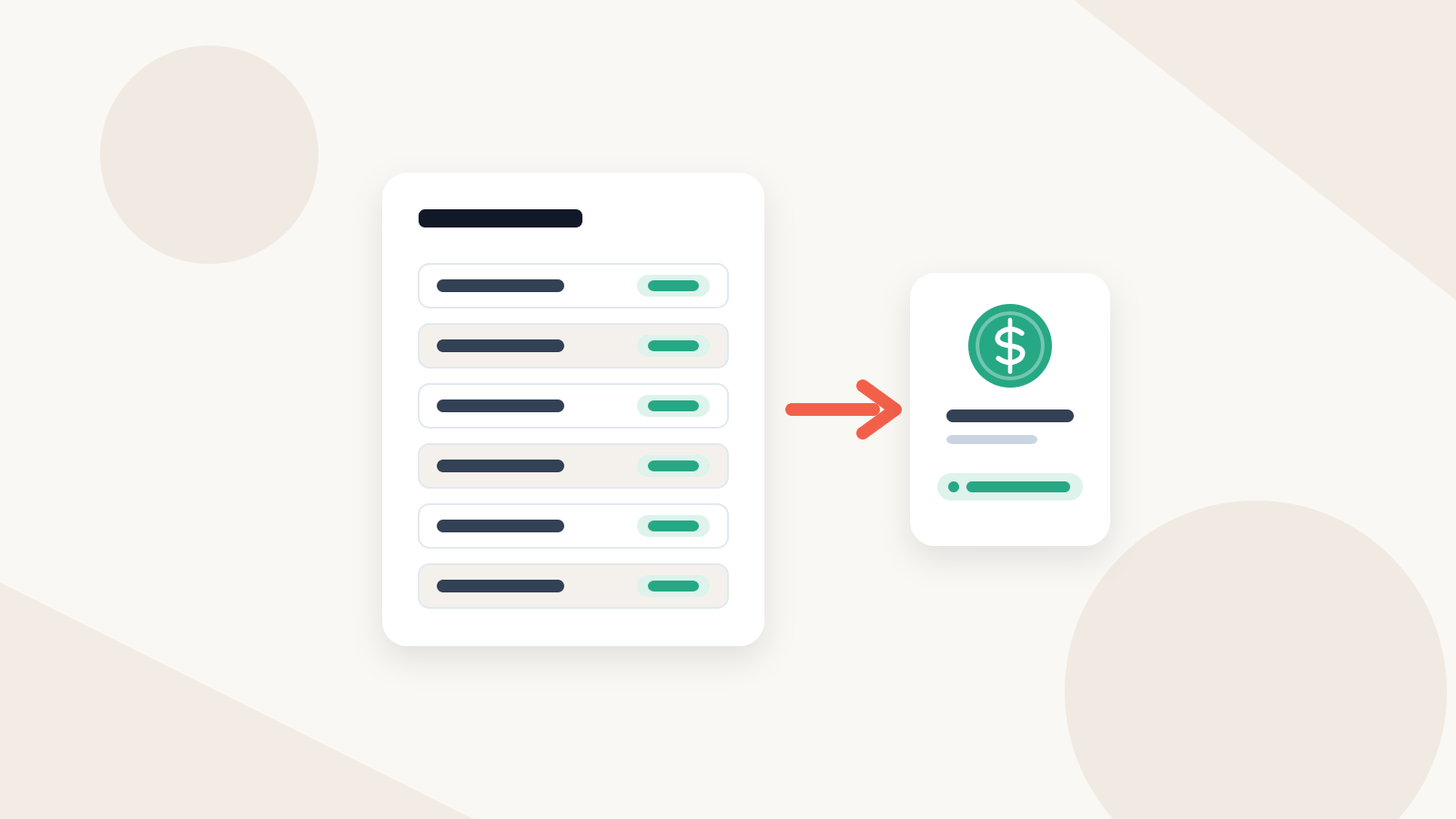
That is the part RemiPay is built for. RemiStaff hours, hand-logged hours you approved, retainers and approved milestones land in one run. You approve it once (the owner only, with 2FA), pay each contractor from your own Wise Business account or another provider using the approved amounts, and mark each payment Sent, then Paid. The bookkeeper gets one payouts CSV.
| Step | A tracker alone (free or paid) | RemiPay with RemiStaff |
|---|---|---|
| Approving hours | In the tracker, if your plan has approvals | Timer hours auto-approve or wait for weekly sign-off; hand-logged hours wait for you |
| Approving the payment | In a spreadsheet, chat or email | The owner approves the run once, and the record keeps who and when |
| Who sends the money | You, from Wise or your bank | You, from your Wise Business account or another provider, then you mark it paid |
| What the bookkeeper gets | An hours export plus Wise or bank statements | One payouts CSV export covering every payment and its status |
What changes if you move to RemiStaff
RemiStaff runs in the contractor's RemiPay portal: start, stop, pick a project or task. There is no desktop app to install and no screenshots. A few rules matter for pay:
- Who approves what. RemiStaff time is machine-observed, so it auto-approves when you open a pay run unless you turn on weekly timesheet approval. Hours typed in for a forgotten day always wait for you.
- Hours never shift under you. Timer entries cannot be hand-edited. If a contractor revises a hand-logged entry, it goes back to pending, and a run that still lists it as approved is refused.
- Caps. A weekly max-hours cap can block extra hours or warn and flag them for you.
- Client billing. Projects can carry a client bill rate and an hours budget, and the Client billing tab produces a CSV of approved time to bill.
RemiPay has no Clockify integration and does not import Clockify history. Export your Clockify reports for your records, choose a cutover day (the start of a pay period is cleanest), and start everyone on RemiStaff from that day.
Worked example: the hours-to-pay step in one sample month
This is illustrative sample data for a fictional design studio with five contractors. The first table is what the owner had to assemble by hand from a free Clockify export; the second is the same month as a run in RemiPay.
Before: built by hand from a Clockify export (sample)
| Contractor | Clockify hours | Rate (spreadsheet) | Retainer (spreadsheet) | Amount | Approved by |
|---|---|---|---|---|---|
| Priya Nair (fictional) | 141.5 | $22.00 | n/a | $3,113.00 | Not recorded |
| Mateo Silva (fictional) | 96.0 | $30.00 | n/a | $2,880.00 | Not recorded |
| Hana Ito (fictional) | 38.25 | $40.00 | n/a | $1,530.00 | Not recorded |
| Kofi Mensah (fictional) | n/a | n/a | $1,200.00 | $1,200.00 | Not recorded |
| Dana Ilic (fictional) | 120.0 (6th user, tracked in a sheet) | $18.00 | n/a | $2,160.00 | Not recorded |
After: the same month as a run in RemiPay (sample)
| Contractor | Source | Approved hours | Amount | Paid via | Status |
|---|---|---|---|---|---|
| Priya Nair (fictional) | RemiStaff | 141.5 | $3,113.00 | Wise | Paid |
| Mateo Silva (fictional) | RemiStaff + 4.0 hand-logged, approved | 96.0 | $2,880.00 | Wise | Paid |
| Hana Ito (fictional) | RemiStaff | 38.25 | $1,530.00 | Wise | Paid |
| Kofi Mensah (fictional) | Retainer, carried forward | n/a | $1,200.00 | Payoneer, marked paid | Paid |
| Dana Ilic (fictional) | RemiStaff | 120.0 | $2,160.00 | Wise | Sent (shown as Processing) |
The totals match. What changed is that the approval is recorded with a name and time, the retainer carries forward without retyping, and the export lists every payment with its method and status, including the Payoneer one paid outside Wise.
Common questions
Is Clockify free for teams? Up to 5 users, with unlimited tracking, projects and clients. Rates, approval, invoicing and expenses are paid, and free reports cover one month at most.
What is a good free alternative to Clockify? Toggl Track is free for up to 3 users, My Hours for up to 5 active users, and TimeCamp has a free plan with unlimited users but no approvals or billable rates. All of them cover tracking, not paying contractors.
Can RemiPay import my Clockify hours? No. There is no Clockify integration. Keep your Clockify export as history and start RemiStaff from a cutover date.
Who pays the contractors if I use RemiPay? You do, from your own Wise Business account or another provider, using the amounts from the approved run. Then you mark each payment paid.
Sources
- Clockify pricing, Clockify subscription plans and Clockify Free plan features
- Toggl Track pricing and Toggl Track feature list
- My Hours pricing
- TimeCamp pricing options
- Jibble subscription plans
- Wise Business pricing
Checked November 16, 2026. Prices are USD list prices per seat per month and change often; confirm them before you buy.
Next steps
If you are still assembling the pay run by hand, start with the contractor timesheet and pay run template, then compare RemiPay plans on the pricing page.
Posts from the RemiPay editorial team. Have a question or topic request? Email hello@remipay.co.