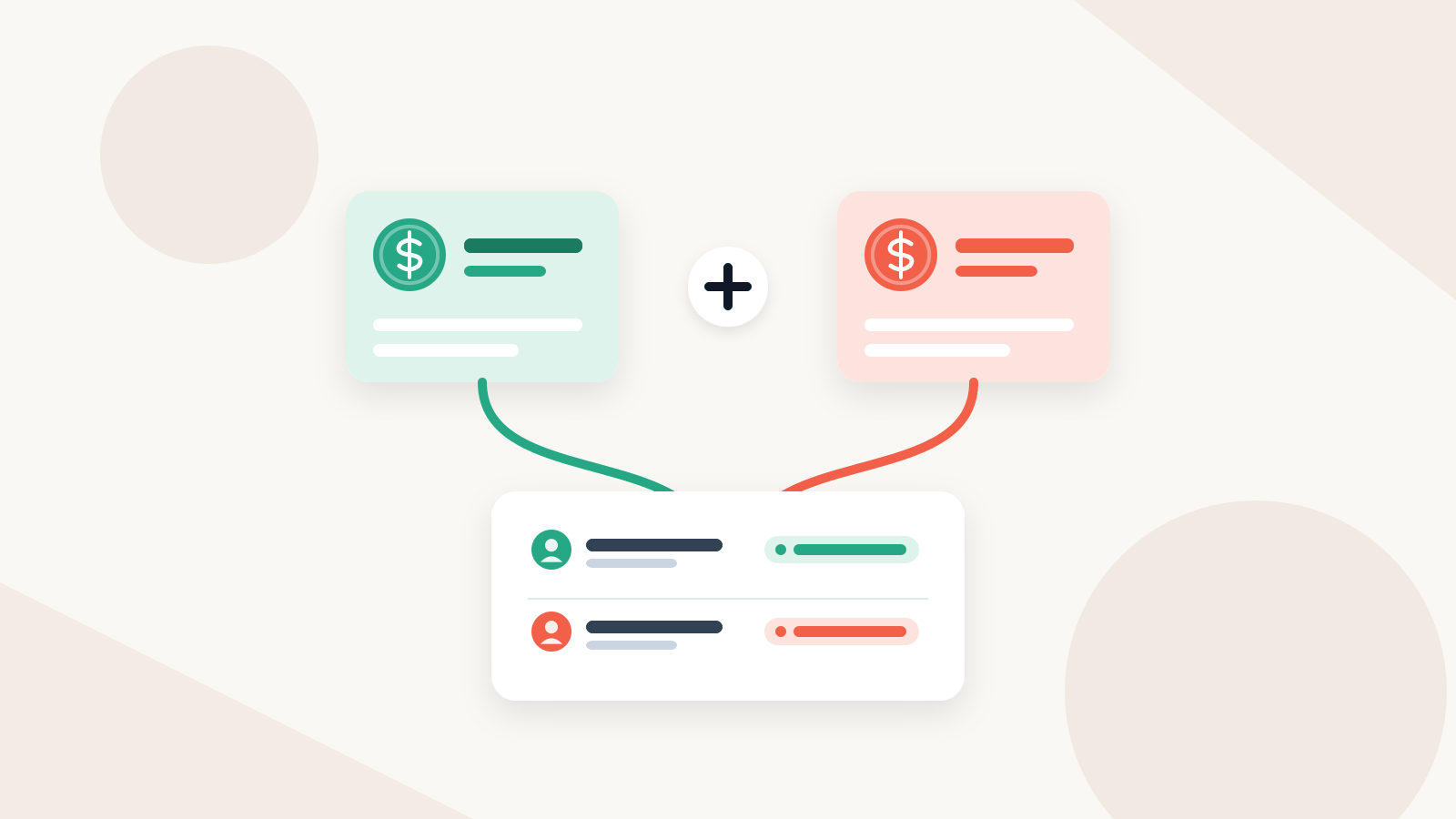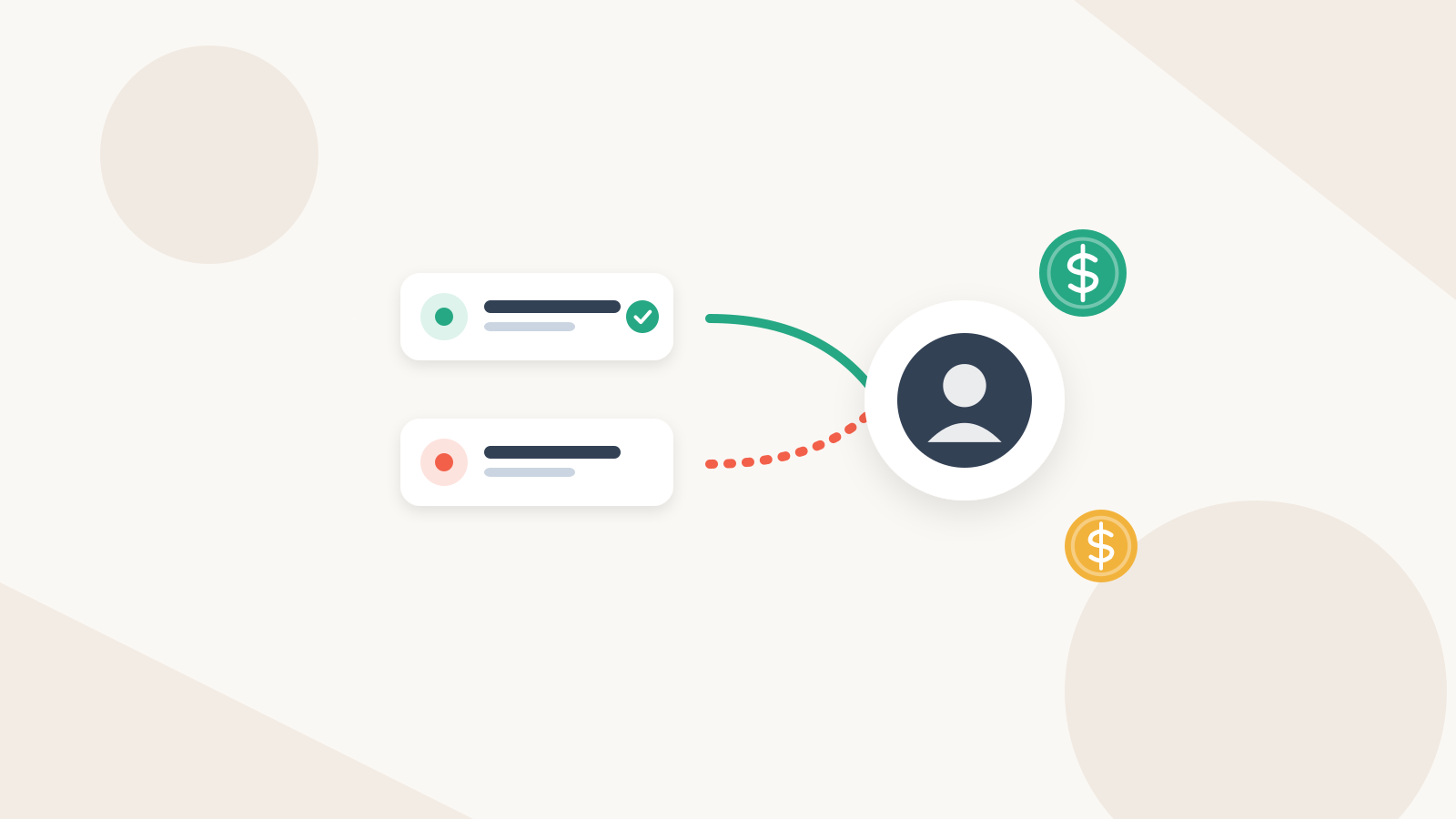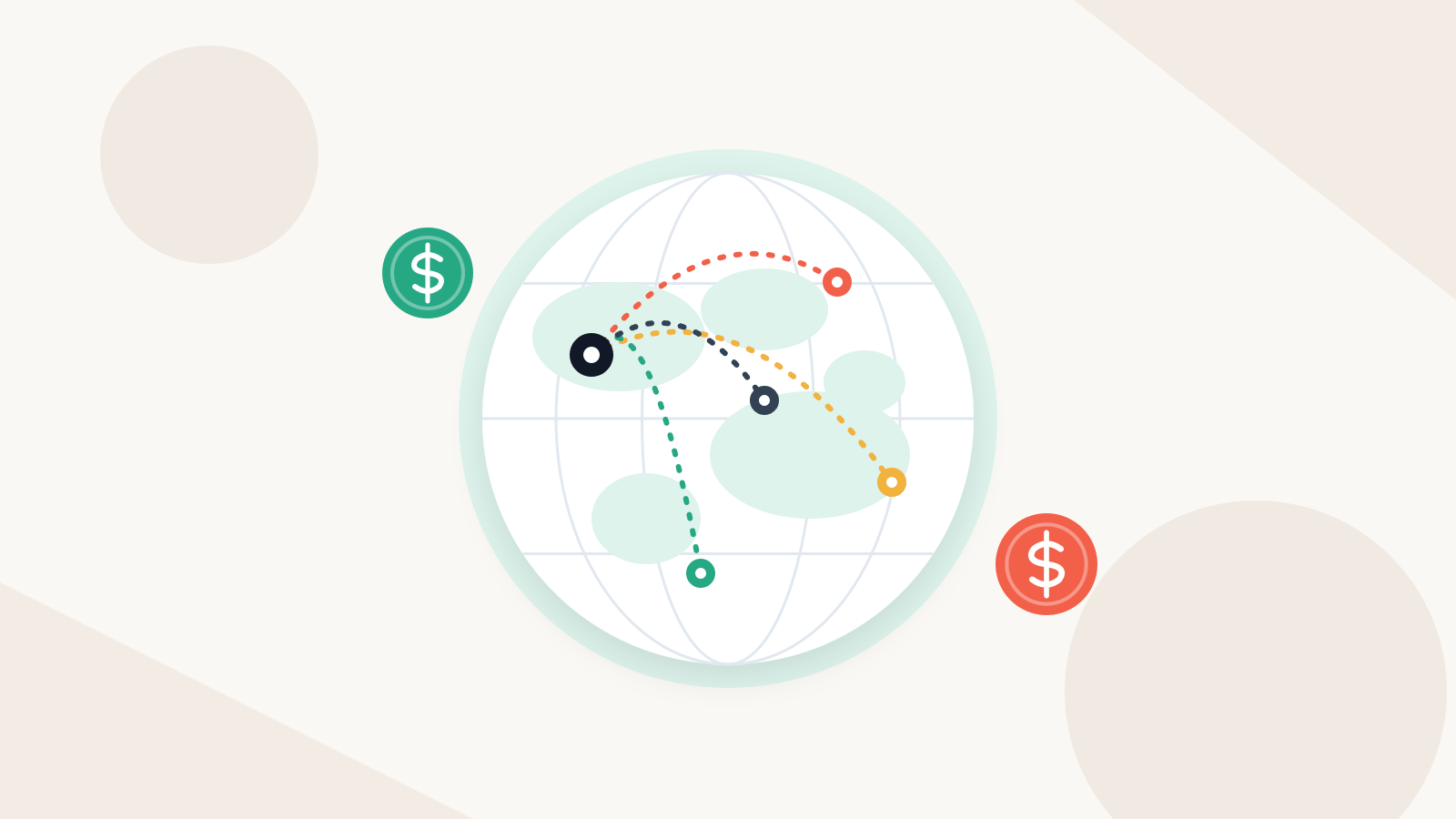
Wise Business in the U.S. is free to register, with a one-time 31 USD fee to unlock every Business feature and no monthly fee listed. Sending or converting money costs a fee that varies by currency, from 0.23%, at the mid-market rate with no markup. How you pay for a transfer can add a cost, USD sent abroad by Swift has a flat Swift charge, and receiving a USD wire costs 6.11 USD. Every cost appears in the quote before you send.
Wise Business fees at a glance
Figures are from Wise's U.S. pages, checked November 16, 2026; the live quote is the final word.
| Fee | Amount on Wise's U.S. pages | Notes |
|---|---|---|
| Register a Wise account | Free | |
| Business setup | 31 USD, one time | Unlocks every Business feature, including account details to receive in 22 currencies |
| Monthly fee | None listed | |
| Holding money | Free | |
| Sending money | Varies by currency, from 0.23% | Percentage of the amount, with a minimum on small transfers |
| Converting between balances | Varies by currency, from 0.23% | |
| Exchange rate | Mid-market, no markup | Fee shown separately |
| Sending USD abroad by Swift | Flat Swift charge per transfer, by destination | 6.15 USD where no correspondent fees are predicted; see below |
| Paying for a transfer (ACH, wire, card) | Shown for each method when you set up the transfer | Compare methods in the quote before you confirm |
| Receiving domestic payments | Free in AUD, CAD, EUR, GBP, HUF, NZD, PHP, SGD, USD | Non-Swift, non-wire |
| Receiving USD wire or Swift | 6.11 USD per payment | |
| Receiving GBP or EUR Swift | 2.16 GBP or 2.39 EUR per payment | Other currencies vary |
| First Business card | Free | 5 USD for each extra card |
| ATM withdrawals | Free up to 250 USD a month, then 1.95 USD + 1.95% | |
| Volume discount | Applies once you pass 25,000 USD in a month |
Account fees
Opening a Wise account costs nothing. Wise's U.S. Business page lists one set-up fee of 31 USD for every Business feature, the same 31 USD it lists for account details to receive in 22 currencies. Holding money is free and no monthly fee is listed, so almost all of your Wise costs come from moving and converting money.
Sending fees
Wise's send money page says its fee is a percentage of the amount you send, with a minimum fee on small transfers. On the Business page it "varies by currency" and starts from 0.23%. Two things follow:
- The percentage depends on the route. Paying contractors in Mexican pesos, euros and Philippine pesos means three different rates. Check each currency, not one headline number.
- The rate carries no markup. Wise says it uses the live mid-market rate and never marks it up. For some currencies, it can lock that rate when you set up the transfer, as long as your money arrives within the stated time.
USD sent abroad by Swift works differently. When a contractor wants U.S. dollars in a bank outside the U.S., Wise's help article lists a flat Swift charge per transfer instead: 6.15 USD on routes where no correspondent bank fees are predicted, 7.24 to 34.30 USD for selected countries where they are, and 21.71 USD for countries not on its list. Wise's worked example adds a separate 1.13 USD Wise fee on top. The higher charges exist because banks in the Swift chain can deduct their own fees; Wise predicts them and adds them to your fee so the recipient gets the full amount, though it says some banks may still charge. If your contractor can take local currency, compare that quote too, since a local payout is not a Swift payment.
Payment method fees
How you pay Wise for a transfer is its own cost, shown for each method when you set up the transfer. Wise's USD guide lists the methods and their timing: ACH (0 to 4 working days), wire (same or next working day), debit or credit card (minutes) and your Wise balance (instant).
Wise's Business pricing page does not print a separate fee for each way of paying in. The cost of the method you choose (ACH, wire, card or balance) shows in your quote before you confirm, so compare methods there.
In practice, avoid cards for payroll-sized amounts, and if you pay contractors every month, keep a USD balance in Wise so each transfer is paid from it instantly.
Receiving fees
Client payments into your account details are priced like this:
| Receiving | Fee on Wise's U.S. Business page |
|---|---|
| Domestic payments (non-Swift, non-wire) in AUD, CAD, EUR, GBP, HUF, NZD, PHP, SGD, USD | Free |
| USD wire and Swift payments | 6.11 USD per payment |
| GBP Swift payments | 2.16 GBP per payment |
| EUR Swift payments | 2.39 EUR per payment |
| Swift payments in 19 other currencies | Vary; Wise links its own table |
The sender's bank and correspondent banks can charge their own fees on a Swift payment. Wise's help center says a sender can choose the OUR option to cover all correspondent charges.
Wise Business card fees
| Card fee | Amount |
|---|---|
| First card on the account | Free, no subscription fee |
| Each additional card | 5 USD, one time |
| Card replacement | 5 USD |
| Digital card | Free |
| Spending a currency you hold | Free |
| Spending a currency you do not hold | Conversion fee (shown as you spend) |
| ATM withdrawals | Free up to 250 USD a calendar month, then 1.95 USD + 1.95% each (ATM operators may add fees) |
| Topping up external e-wallets | 2% |
Volume discounts and batch payments
Volume discount. Wise's send money page says a discount applies automatically once you send 25,000 USD or equivalent in a month. Transfers in most major currencies count, the discount lasts for the rest of that month, and it resets on the first.
Batch payments. Wise's batch guide says you can send up to 1,000 payments in one batch from a CSV or XLSX template, to saved recipients or new ones (bank details, or email only), then review the transfers and make one payment to Wise for the whole batch. Teammates with approval permission can be required to approve the batch. The guide does not list a separate batch fee, so review the transfers before you pay. For how a batch fits a monthly contractor run, see why Wise isn't enough after three contractors.
How to read a Wise quote
Wise's send money page has a calculator, and the transfer setup screen shows the same lines with your real details:
- You send. The amount leaving your account or balance, in USD.
- Payment method. Switch between balance, ACH, wire and card; the fee changes with it.
- Wise fee. The total fee for this transfer. For USD by Swift, the flat Swift charge (with any predicted correspondent fee) is included here.
- Exchange rate. Should match the mid-market rate. Note whether it is guaranteed and for how long.
- Recipient gets. The figure your contractor's agreement cares about. If you owe a fixed amount in local currency, adjust the amount until this line matches it.
- Should arrive. Wise's delivery estimate. Wise says it always gives one when you set up a transfer.
Save the quote or the receipt. The receipt is also where any correspondent fees show.
Worked example: a monthly run of three contractor payments
A sample, fictional run. Northline, a U.S. agency, owes three contractors for October from approved hours and retainers. No fee figures are invented: each line says what to read on that quote.
| Contractor (fictional) | Owed | Route | What to read on the quote | Fee lines that apply |
|---|---|---|---|---|
| Rosa, Mexico | 2,400 USD (hourly, approved hours) | USD to MXN, local bank (CLABE) | Wise fee for MXN; rate guarantee; recipient gets in MXN | MXN sending fee per Wise's quote; payment method cost |
| Paolo, Philippines | 1,800 USD (monthly retainer) | USD to PHP, local bank | Wise fee for PHP; delivery estimate | PHP sending fee per Wise's quote; payment method cost |
| Dana, Argentina | 1,200 USD (milestone) | USD by Swift, her request | Flat Swift charge for Argentina; any predicted correspondent fee; recipient gets in USD | Swift charge from Wise's country list, plus any Wise fee shown |
Northline pays all three from its USD balance, so no card fee applies, and 5,400 USD is well under the 25,000 USD volume threshold. For Dana, Northline confirms Argentina is on Wise's list for USD by Swift, and compares that quote with any local-currency option Wise offers before sending. On a recurring run, the owner approves the amounts first, then pays each one from Wise (singly or with Wise's batch upload) and keeps each receipt for the record.
Where RemiPay fits
Wise's fees are Wise's. RemiPay adds nothing to them and charges only its subscription: Solo $19 a month for up to 3 contractors, Starter $49 for up to 10, Team $199 for up to 50. RemiPay tracks hours, prepares the recurring pay run, records your approval and each payment's status, and exports the record. You pay each contractor from your own Wise Business account using the approved amounts, then mark each payment Sent (with an optional Wise reference) and Paid. Funds never touch RemiPay. See RemiPay vs Wise for how the two split the work, and the pricing page for plans.
Paying some contractors another way? See Wise vs PayPal, Wise vs Payoneer and Payoneer fees. For the whole process, start with how to pay international contractors.
Common questions
Does Wise Business have a monthly fee? Wise's U.S. Business pricing page lists none. Registering is free, a one-time 31 USD fee unlocks every Business feature, and holding money is free.
How much does Wise charge to send money? Wise's U.S. pages describe the sending fee as a percentage of the amount that varies by currency, from 0.23% on Wise Business, with a minimum fee on small transfers. How you pay for the transfer can add a cost, and USD sent abroad by Swift carries a flat Swift charge. The quote shows the total before you confirm.
Does Wise mark up the exchange rate? Wise says it uses the live mid-market rate and never marks it up. Its fee is shown separately in the quote, and for some currencies the rate can be locked for a set time.
Does Wise charge to receive money? Domestic (non-Swift, non-wire) payments in nine listed currencies, including USD, are free. A USD wire or Swift payment is 6.11 USD, GBP Swift 2.16 GBP and EUR Swift 2.39 EUR.
Is there a Wise fee calculator? Yes. Wise's send money pricing page has one, and the transfer setup screen shows the fee, rate, recipient amount and delivery estimate for each payment method. Use your real amount, currency and method.
Sources
- Wise, Wise Business pricing (U.S.): https://wise.com/us/pricing/business/
- Wise, Wise Business card fees (U.S.): https://wise.com/us/pricing/business/card-fees
- Wise, send money pricing (U.S.): https://wise.com/us/pricing/send-money
- Wise Help, guide to USD transfers: https://wise.com/help/articles/2932150/guide-to-usd-transfers
- Wise Help, how much it costs to send USD to countries outside the U.S.: https://wise.com/help/articles/2946451/how-much-does-it-cost-to-send-usd-to-countries-outside-the-us
- Wise Help, Swift correspondent fees: https://wise.com/help/articles/3KEJruODkhi59TZbSxO2xn/what-are-swift-correspondent-fees-when-sending-and-receiving-money
- Wise Help, countries you can send USD to via Swift: https://wise.com/help/articles/2974947/what-countries-and-regions-can-i-send-usd-to-via-swift
- Wise Help, guide to batch payments: https://wise.com/help/articles/2663240/guide-to-batch-payments
Checked November 16, 2026
Wise's fees vary by currency, amount and payment method and change often. Check the live quote before every transfer.
Next steps
- See how a recurring contractor run works on top of Wise in why Wise isn't enough after three contractors.
- Compare routes for contractors who want other providers: Wise vs PayPal and Wise vs Payoneer.
- Check RemiPay's flat plans on the pricing page.
Posts from the RemiPay editorial team. Have a question or topic request? Email hello@remipay.co.